Every camp, every climb, on one map.
Your trip notes run to eleven pages. The trekker reads the kit list, skips the rest and then asks which night is the cold one.
Start for FreePatagonia W Trek
Five days and four camps in Torres del Paine. Each day gives the distance and the climb. Trip details has the kit list, camping and refuge prices, and three departures, one of them sold out.
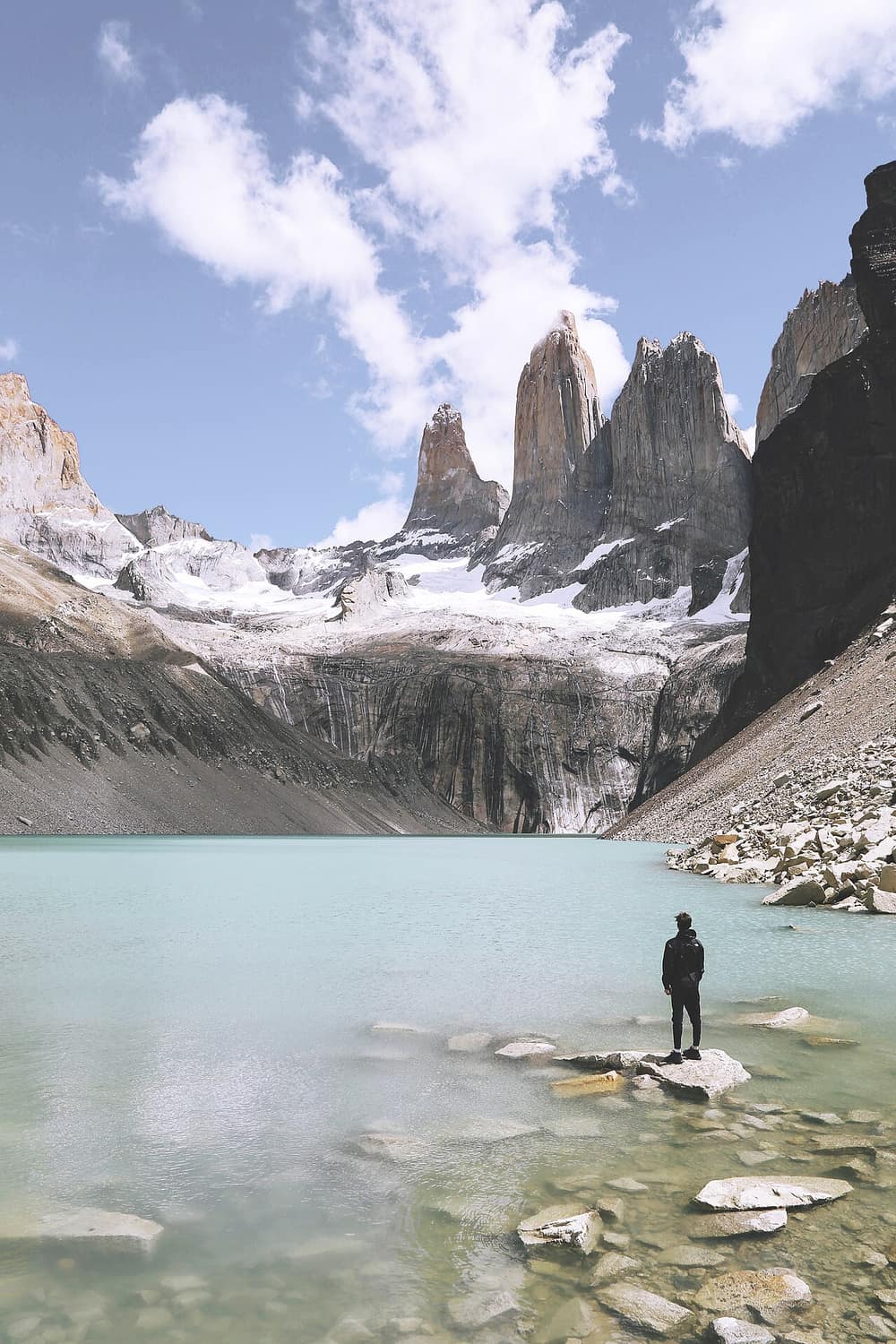
The W Trek, Torres del Paine
Torres del Paine
5 days
November 2027 to March 2028
From USD 1,890 per person

A sample trip. The agency, the prices, the bank details and the phone number are made up, and nothing is called or sent.
What it does for an adventure operator
01
It puts each camp on the map
Every camp, refuge and lookout is a pin. The Map button draws the day's stops in order as a route, so a trekker sees where the day starts and where it ends.
02
It gives each day its numbers
The day summary is yours to write: 20 km, 900 m of climb, the last hour over boulders. It sits under the photo of that day, where it is read.
03
It keeps the kit list in one place
Things to carry holds up to 20 lines. Boots already walked in, a sleeping bag rated to minus 5 C, two water bottles. It is the same list for every trekker.
04
It shows dates and places left
Add up to 20 departures with their group size and places left. A full date says Sold out. You set the numbers, so they match your own booking sheet.
05
It prices camping and refuge side by side
Two price rows, or two options with their own Included lists, let a trekker choose between a tent and a dorm bed on the same page.
How it works
Step 1
Plot the route
Add each day and search for its camps and lookouts by name. Each one lands on the map at its real position.
Step 2
Write the hard facts
Distance, climb, start time and what the ground is like. Add the kit list and the cancellation terms.
Step 3
Publish with your departures
Add the dates and places left. Share the link on your website and in reply to every enquiry.
Which plan fits
We suggest
Starter
Starter is $16 a month, with 20 live trip links and 1 seat. Client itinerary links count as live links. It works with Claude and ChatGPT, up to 200 actions a day. You can start on Free with 1 live link and move up when you need to.
A small operator sells a short list of treks, each on its own live link, and one person keeps them. Larger programmes and a guiding team fit the plan above.
See every plan ›Weighing this against another tool? See the Travefy and Safari Portal alternatives.
Questions
Will the map work on the trail with no signal?
- No. The link is a web page and the map needs a connection. It is for choosing and preparing the trek. Give trekkers their offline maps in the usual way.
Does it show an elevation profile or a GPS track?
- No. It shows each stop as a pin and the day's stops as a route between them. You write the distance and climb in the day summary.
Can I find a remote camp in the search?
- The place search covers hotels, towns and named places, and many refuges and camps are in it. If one is not, add the day's line without a place and it shows as plain text.
Can I show that travel insurance is required?
- Yes. Put it in the Not included list and again in Things to carry and good to know. Both are on the Trip details screen.
Do places left update when someone books?
- Not by themselves. Portal Jump takes no bookings. You change the number in the editor and publish, which takes a few seconds.
Can trekkers ask a guide a question from the link?
- Yes. The WhatsApp button opens a chat with the number you set, and the message starts with the trek and the departure date they picked.