Forty travellers. One link. No repeated questions.
You email the PDF to forty people. By Friday you have answered the same four questions thirty times: which hotel, what time, what to pack, when the balance is due.
Start for FreeIceland Ring Road group trip
Seven days for a coach of forty. The flight times are on the first and last day, the packing list and the balance date are in Trip details, and the one departure shows 3 of 40 seats left.
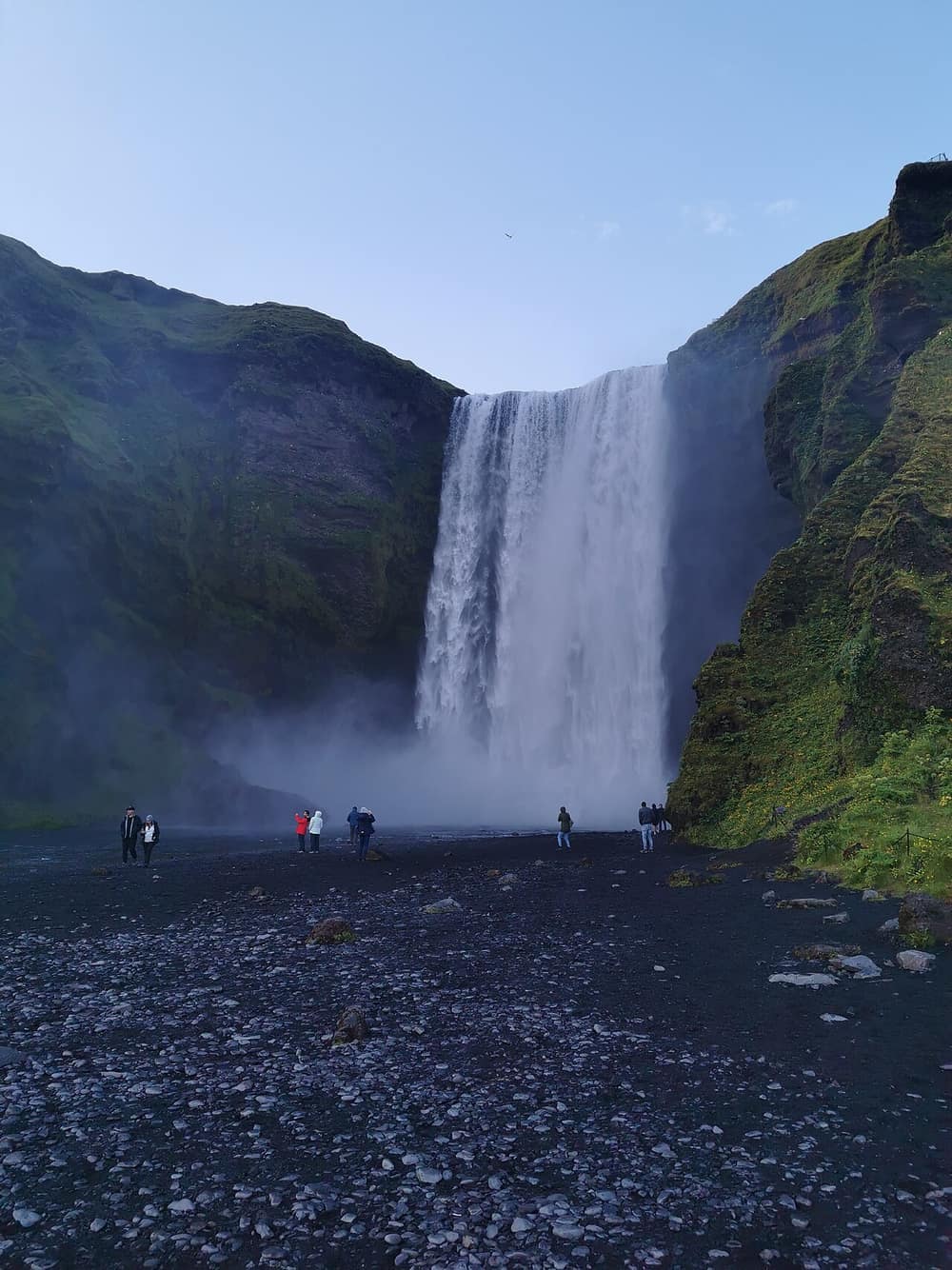
Iceland Ring Road, the whole way round
Reykjavík · South Iceland · East Iceland · North Iceland
7 days
4 to 10 September 2027
GBP 2,640 per person (sample price)
Everything the group asks is here. Flights, bags, rooms, what to wear and where we are each night.

A sample trip. The agency, the prices, the bank details and the phone number are made up, and nothing is called or sent.
What it does for a group organiser
01
It answers the packing question once
A block called Things to carry and good to know holds up to 20 lines: passport validity, the bag limit, waterproofs, swimwear. Everyone reads the same list.
02
It says where the group sleeps each night
Each day ends with its overnight stop, and each stop opens on the map. A traveller's family at home can see where the coach is on Thursday.
03
It shows what is paid for and what is not
Mark a line of any day as included, self-paid or optional, and add a note. The boat on the glacier lagoon is optional, costs extra and is paid on the day. Nobody is surprised at the quay.
04
It shows the balance and where to send it
The Payment section gives the total, the deposit, the balance date and your bank details. Each traveller pays you directly. Portal Jump does not handle payments.
05
It shows the seats that are left
A departure carries its seats and its seats left, a number you set. When the group is still filling, the last three places are there for everyone to see.
How it works
Step 1
Build the trip once
Add each day with its times, stops and meals. Put the meeting point and the flight in the first line of day one.
Step 2
Fill in Trip details
Add the Included and Not included lists, the packing list, the cancellation terms and the payment details.
Step 3
Send one link to the group
Post it in the group chat or the group email. When a time changes, edit it and publish. The link in the chat is already right.
Which plan fits
We suggest
Starter
Starter is $16 a month, with 20 live trip links and 1 seat. Client itinerary links count as live links. It works with Claude and ChatGPT, up to 200 actions a day. You can start on Free with 1 live link and move up when you need to.
An organiser who runs a few groups a year needs a few live links, not a hundred, and one seat. Move up when you have a team or run more live links than your plan allows.
See every plan ›Weighing this against another tool? See the Travefy and Safari Portal alternatives.
Questions
Does every traveller get their own link?
- No, and that is the point. One address goes to all forty. There is nothing personal on it: no names, no room list, no passport details.
A flight time changed. Do I resend anything?
- No. Change the time in the editor and press Publish changes. The link your travellers saved now shows the new time. Tell them to look, and that is all.
Can travellers reply to me from the link?
- Yes. With your WhatsApp number set, the link has WhatsApp and Call buttons. Without a number, it has a short contact form, and the messages arrive in the Leads list in your account.
Can I stop people outside the group opening it?
- Set a passcode of 6 characters or more and share it with the group. Wrong tries are limited. Anyone without it sees only your name and a box for the passcode.
Does it collect payments or track who has paid?
- No. It shows the amount, the due date and your bank details. Who has paid stays in your own records.
Is there a dated version for the travel week?
- Yes. A client itinerary link takes the first day of the trip and prints the real date on every day. It has no price on it, so it suits travellers who have booked. You can make one on any plan. On Free and Starter it uses a live link, like any trip link. On Pro itineraries are unlimited and use none of the 100.